Quick answer
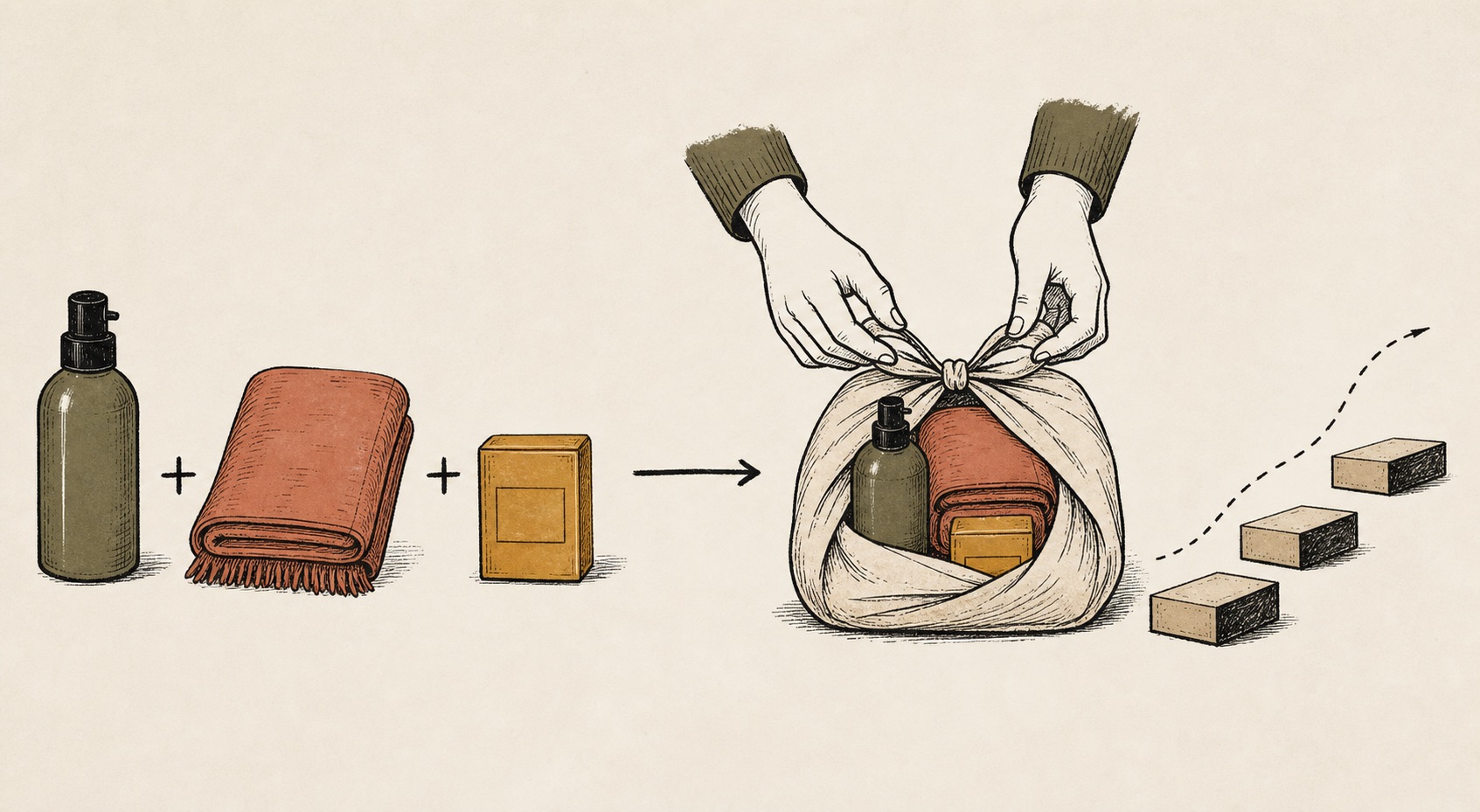
Theme app extension blocks let bundle widgets live inside the Online Store 2.0 theme editor. Kitforge provides an auto-embed app block plus manual blocks for fixed kits, FBT, and quantity breaks.
- Kitforge ships fixed kits, FBT widgets, and quantity breaks — each with theme app extension placement and Shopify Functions.
- Use the readiness checklist and live preview before activating on the storefront.
- Inventory-safe checkout and analytics are part of the workflow, not optional add-ons.
- Match the bundle type to the customer job: curated set, accessory upsell, or volume pricing.
What theme app extension bundle widgets means in Kitforge
Rendering happens in JavaScript fetched via the app proxy (/apps/kitforge/offers), keeping Liquid under Shopify's size limits.
- fixed kit bundles — combine known products into one priced offer
- frequently bought together (FBT) — product-page add-on recommendations
- quantity breaks — tiered volume discounts when shoppers buy more units
Setup workflow
Kitforge uses a type-first editor with a readiness checklist before publish. Each bundle type has its own steps, but the operating loop is consistent.
- Enable the Kitforge auto bundle card app embed in the theme editor.
- For manual placement, add a block to a product template and paste the bundle ID.
- Set widget position: below add to cart (default), above add to cart, or manual block only.
- Avoid duplicating widgets — configure coexistence rules when multiple offers target one PDP.
Why merchants choose Kitforge for this
These are the differentiators that show up in real merchant workflows — not generic app marketing bullets.
- inventory-safe bundles with max sellable quantity based on component stock
- theme app extension widgets with auto-embed on product pages
- live storefront preview in admin using the same widget renderer
- built-in analytics for views, interactions, add-to-cart, and attributed revenue
- Shopify Functions for cart transform, discounts, and checkout validation
- expanded child SKUs at fulfillment for 3PL and packing workflows
- scheduling — draft, active, paused, and scheduled publish windows
Final recommendation
Kitforge Bundles implements theme app extension bundle widgets with product-page widgets, inventory validation, and analytics. Build one real offer, preview it on mobile, and measure attach rate before scaling.
If you want this kind of offer to feel native to the buying journey, Kitforge Bundles is built around that exact problem: turning related Shopify products into clearer bundle offers before the shopper reaches checkout.
FAQ
Does Kitforge Bundles support theme app extension bundle widgets?
Kitforge Bundles supports fixed kit bundles — combine known products into one priced offer, frequently bought together (FBT) — product-page add-on recommendations, quantity breaks — tiered volume discounts when shoppers buy more units. It is built for merchants who want product-page bundle widgets, inventory-safe checkout, live previews, and analytics — not just hidden discount rules.
Do I need to edit theme code?
No for most merchants. Enable the app embed and use the admin editor. Manual theme blocks are optional when you want precise section placement.